# Custom Events
Sentiero supports two ways to fire custom rrweb events: an imperative JavaScript API and a declarative HTML attribute system.
Both appear as purple markers in the replay timeline. The tags they emit feed the [Funnel and Conversions](/guide/analytics/) analytics, which build steps and conversion rates from custom-event tags.
## Imperative API
Call `window.Sentiero.addCustomEvent(tag, payload)` from your own JavaScript:
```js
window.Sentiero.addCustomEvent("signup_clicked", { plan: "pro" });
```
This is always available; no config flag needed.
## Declarative Tracking
Add `data-sentiero-track-{event}` attributes to HTML elements. When the specified DOM event fires, Sentiero automatically emits an rrweb custom event with the attribute value as the tag.
**Requires opt-in:**
```ruby
Sentiero.configure do |config|
config.track_custom_events = true
end
```
### Attribute Format
```
data-sentiero-track-{dom-event}="{custom_event_tag}"
```
### Supported DOM Events
| DOM Event | Attribute | Typical Use |
|-----------|-----------|-------------|
| `click` | `data-sentiero-track-click` | Buttons, CTAs, cards |
| `change` | `data-sentiero-track-change` | Dropdowns, checkboxes, radio buttons |
| `submit` | `data-sentiero-track-submit` | Forms |
| `focus` | `data-sentiero-track-focus` | Search fields, inputs |
| `blur` | `data-sentiero-track-blur` | Input abandonment |
### Examples
**Simple click:**
```html
```
**Click with payload** (via `data-sentiero-data`):
```html
```
**Select change:**
```html
```
**Form submit:**
```html
```
**Focus and blur on the same element:**
```html
```
**Rails ERB:**
```erb
<%= link_to "Upgrade", upgrade_path,
data: { sentiero_track_click: "upgrade_clicked" } %>
<%= f.submit "Place Order",
data: { sentiero_track_click: "order_placed",
sentiero_data: { item_count: @cart.size }.to_json } %>
```
### Payloads
Attach a static JSON payload to any tracked element via `data-sentiero-data` (shown in the "Click with payload" example above). The payload must be valid JSON; if parsing fails the event is silently dropped.
### How It Works
- Uses event delegation on `document` in the capture phase, one listener per event type.
- Handles dynamically added elements automatically (no setup needed for elements added after page load).
- Walks up from `event.target` using `closest()` to find the nearest element with the matching attribute.
### Validation and Limits
Event names are validated against `/^[a-zA-Z0-9_.\-]{1,100}$/`. Invalid names are silently ignored.
The `data-sentiero-data` attribute is capped at 4KB raw length. Oversized payloads are dropped. Invalid JSON is dropped.
No user-supplied strings are evaluated as code.
### Combining with the Imperative API
Both approaches work together. Use declarative attributes for static interactions; use `window.Sentiero.addCustomEvent` when the payload must be computed at runtime:
```js
document.getElementById("checkout").addEventListener("click", () => {
window.Sentiero.addCustomEvent("checkout_started", {
cartTotal: calculateTotal(),
itemCount: getItemCount()
});
});
```
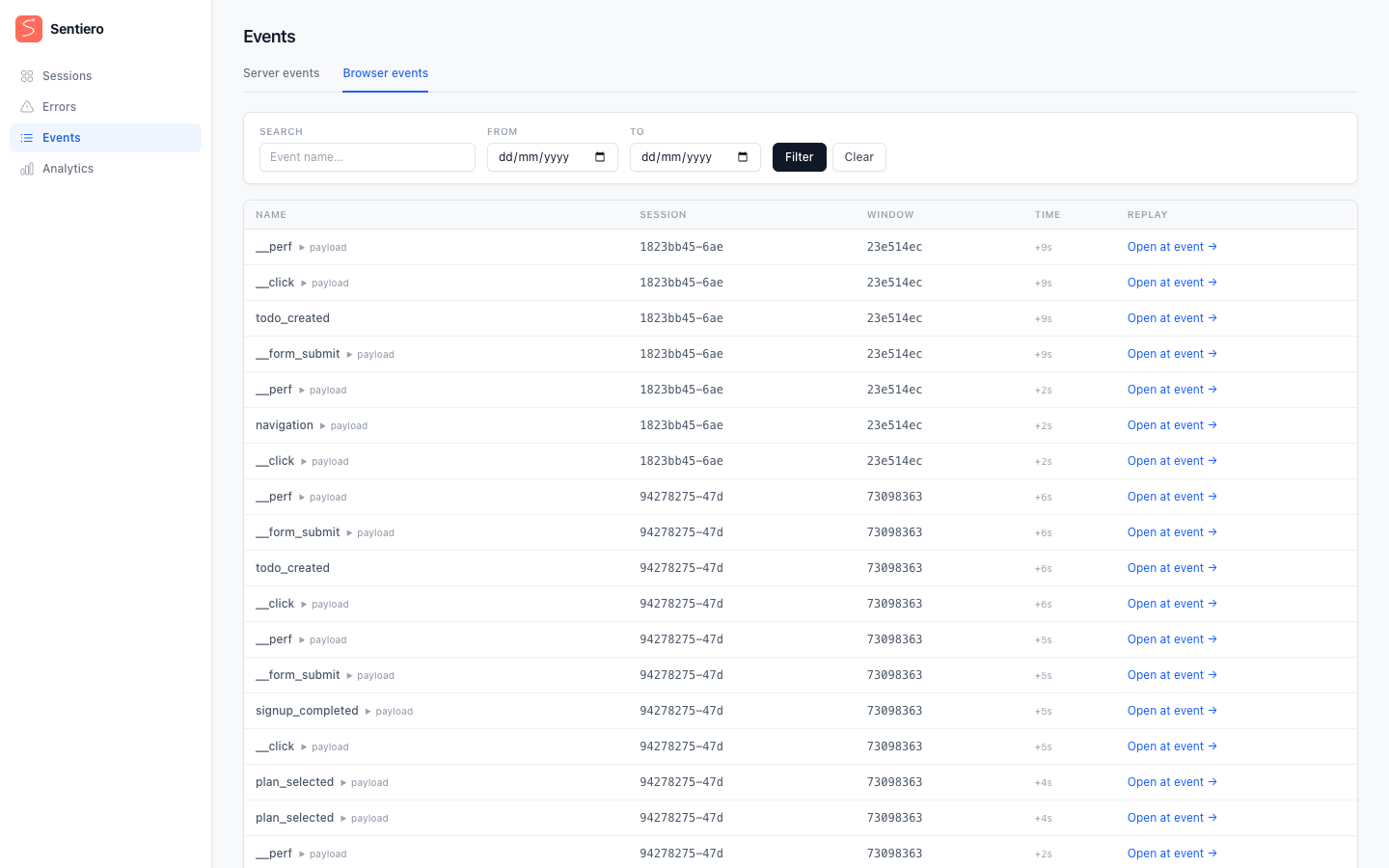
*Custom events as they appear in the dashboard's Events view: tag names, timestamps, and optional JSON payloads.*